

Mission log
How to Set Up a Google Business Profile When You Work From Home
No storefront? You can still get a Google Business Profile without showing your home address. Here's how to set it up as a service-area business.
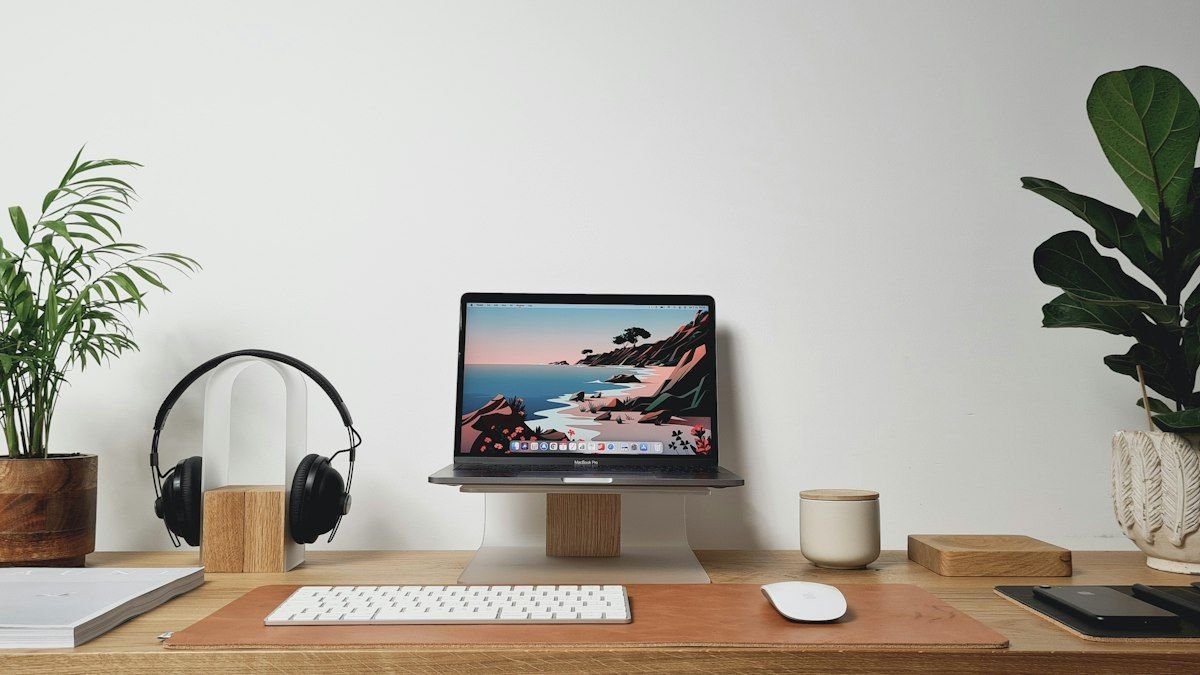
Plenty of real businesses have no storefront. Plumbers, mobile detailers, cleaners, consultants and web designers work from a home office and go to the customer, or work entirely online.
When these owners try to set up a Google Business Profile, they hit the same wall: Google asks for an address, and it won't accept a PO box. Nobody wants their home address on a public map.
You don't have to choose between privacy and being found. Google has a setup made for this, called a service-area business.
This article is part of our local SEO guide.
What a service-area business is
A service-area business serves customers at their location, or remotely, instead of at its own. On Google, the profile shows the areas you serve and hides your street address. Customers see "Serves Lake Havasu City and nearby areas" instead of a pin on your house.
Step by step
1. Start your profile. Go to Google's Business Profile page and sign in with the Google account you want to manage it from. Enter your business name exactly as it appears on your other materials.
2. Choose your category. Pick the one closest to your main service. You can add more later.
3. Say no to a customer location. Google asks whether you want to add a location customers can visit, like a store or office. Choose No. This is the step that keeps your address off the map.
4. Add your service areas. List the cities, counties or ZIP codes you serve. Keep it honest and realistic; list the places you'd really take a job.
5. Add your phone number and website.
6. Verify. Google needs to confirm the business is real. It will ask for a real address for this, and your home address is fine. It's used for verification and stays hidden from the public. Google chooses how you verify. It may be a video, a phone call, an email or a postcard.
Three things Google does not allow
- PO boxes. They're rejected as a business address.
- Virtual offices that you don't staff during business hours.
- Someone else's address where you don't really operate.
Using any of these to get around the rules can get a profile suspended. A hidden home address is the proper route, and it's allowed.
After you're verified
A new profile is an empty one. Before you call it done:
- Add your hours, including "by appointment" if that fits.
- Write a description that says what you do and who you do it for.
- List each service you offer.
- Upload photos of your work, your team or your vehicle.
- Ask your first few customers for a review.
Will hiding my address hurt my ranking?
Service-area businesses appear in map results every day. Google still knows where you're based, and it uses that along with your service areas, your category and your reviews. A complete, active profile with good reviews matters more than a visible address.
Stuck somewhere in the process?
Verification is where most people get frustrated, and each business's situation is a little different. Setting up and managing Google Business Profiles is part of our local SEO work, and it's a process we know well.
See how we handle local SEO, or get in touch and we'll point you in the right direction.
Free SEO report
Ready for liftoff? Start with a free SEO report.
Send us your website and get a plain-English report on speed, SEO and mobile issues within 2 business days. No obligation.